Django ยท Full Stack Project

CAR
ZONE

A full-featured car dealership web platform with advanced search & filtering, multi-image galleries, inquiry messaging, and a clean Bootstrap frontend.

10+
Pages
5
Django Apps
6
Django
Live Preview

PROJECT SCREENSHOTS

Real screenshots from the running Django application โ€” every page fully functional and connected to the database.

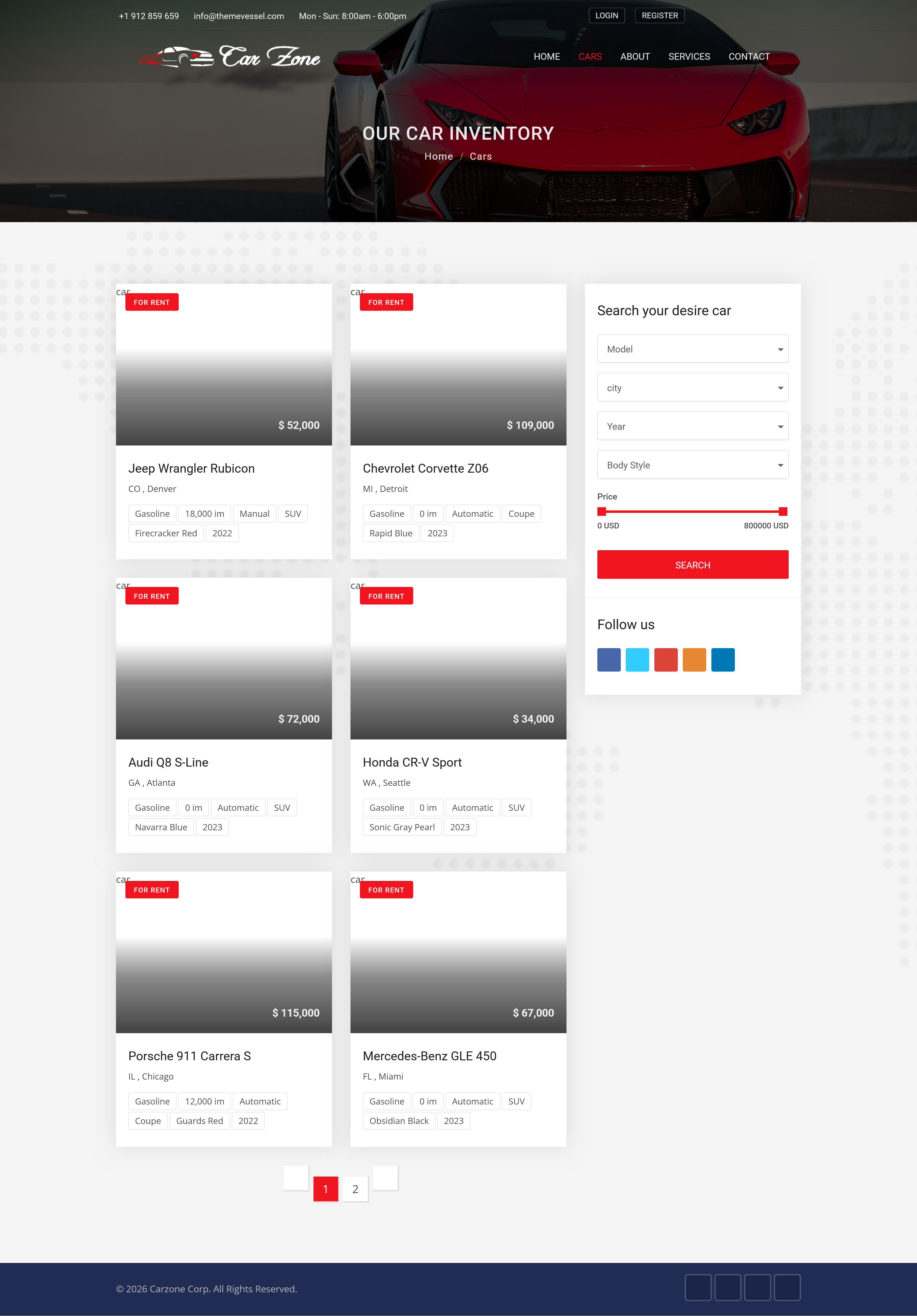
Car Inventory Page
Main Page

Car Inventory

Browse and search all available vehicles with advanced filtering
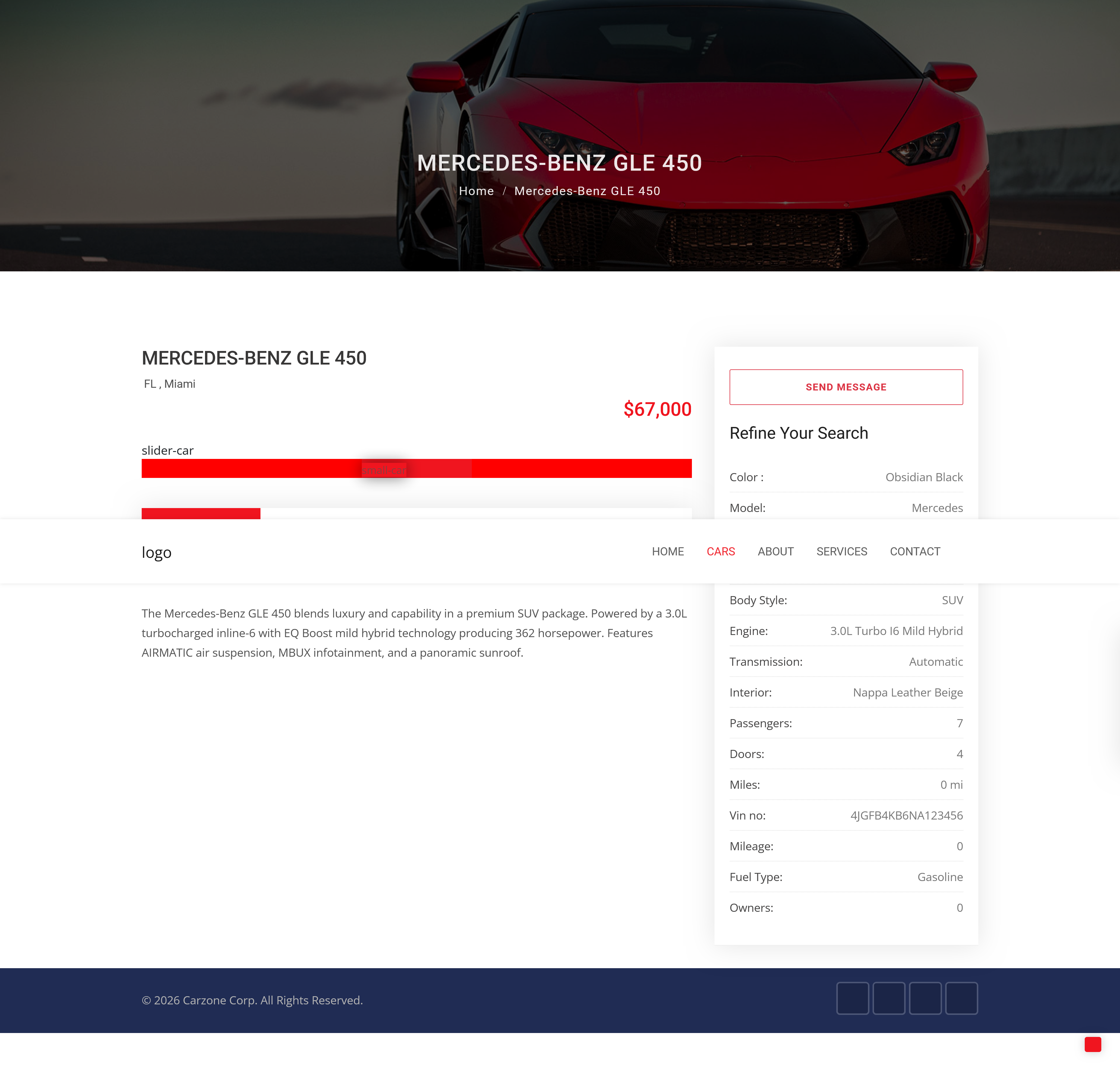
Car Detail
Car Detail
Full specs, gallery slider & inquiry form
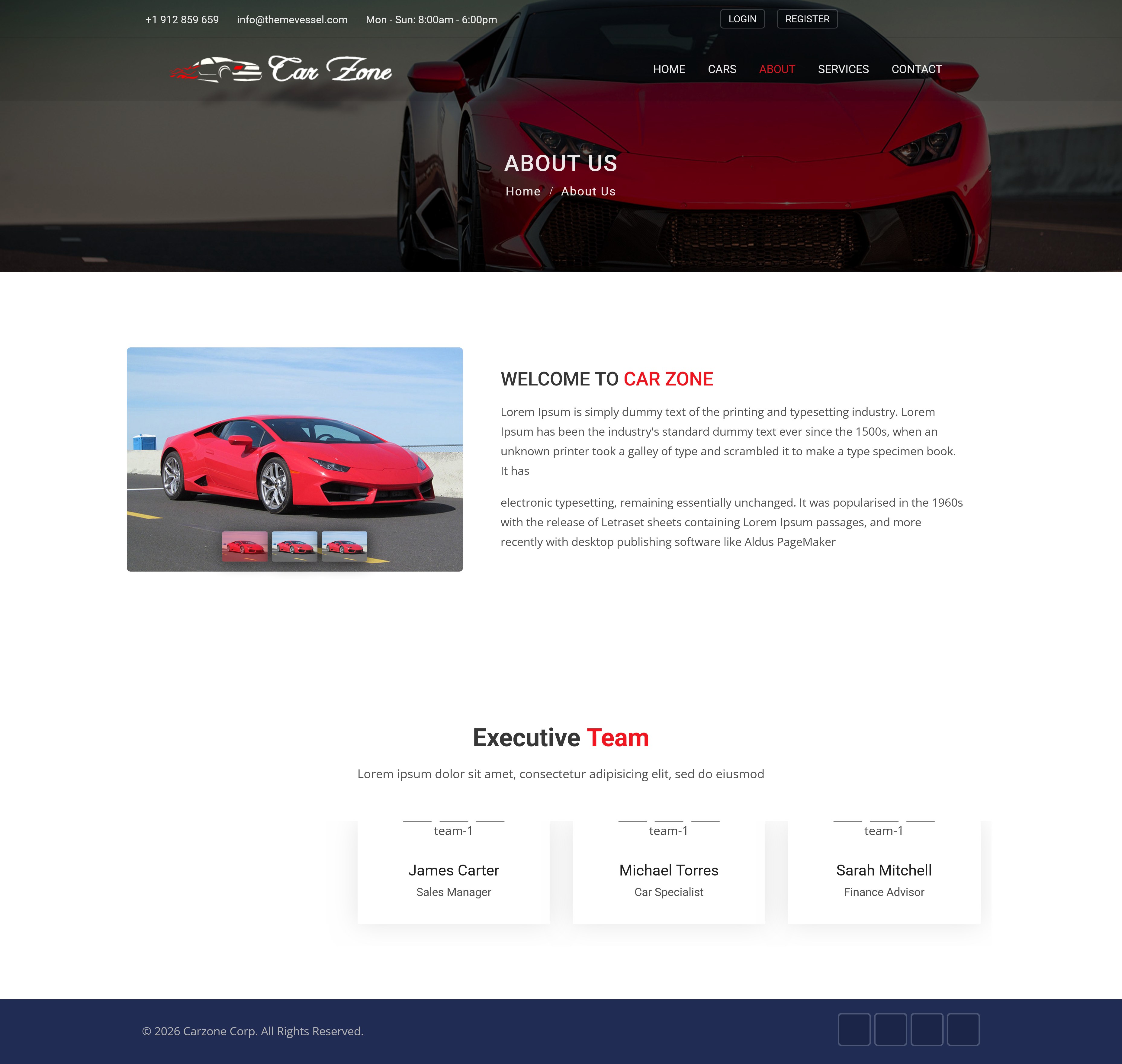
About Page
About Us
Team members & dealership story
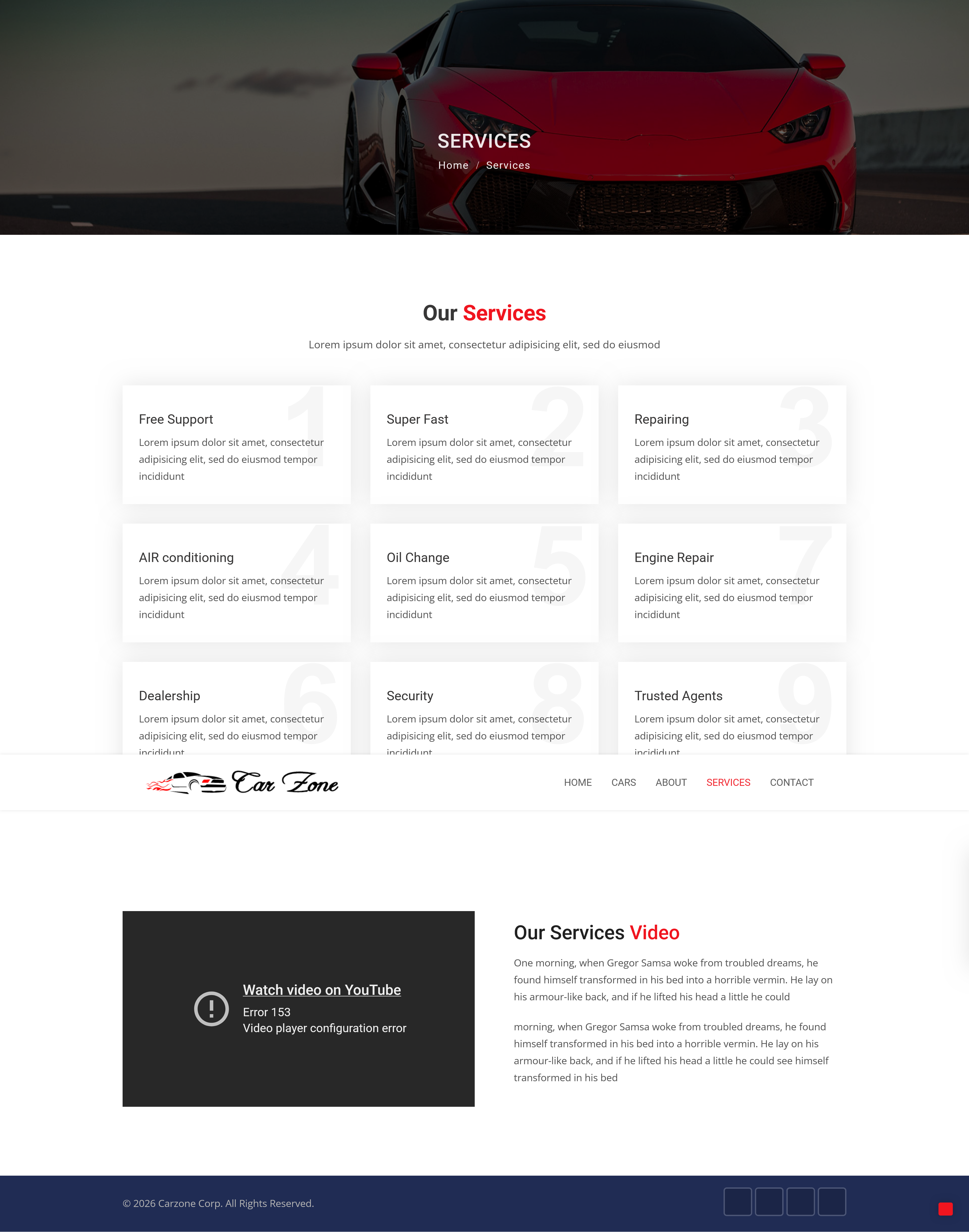
Services Page
Services
Full service catalog with descriptions
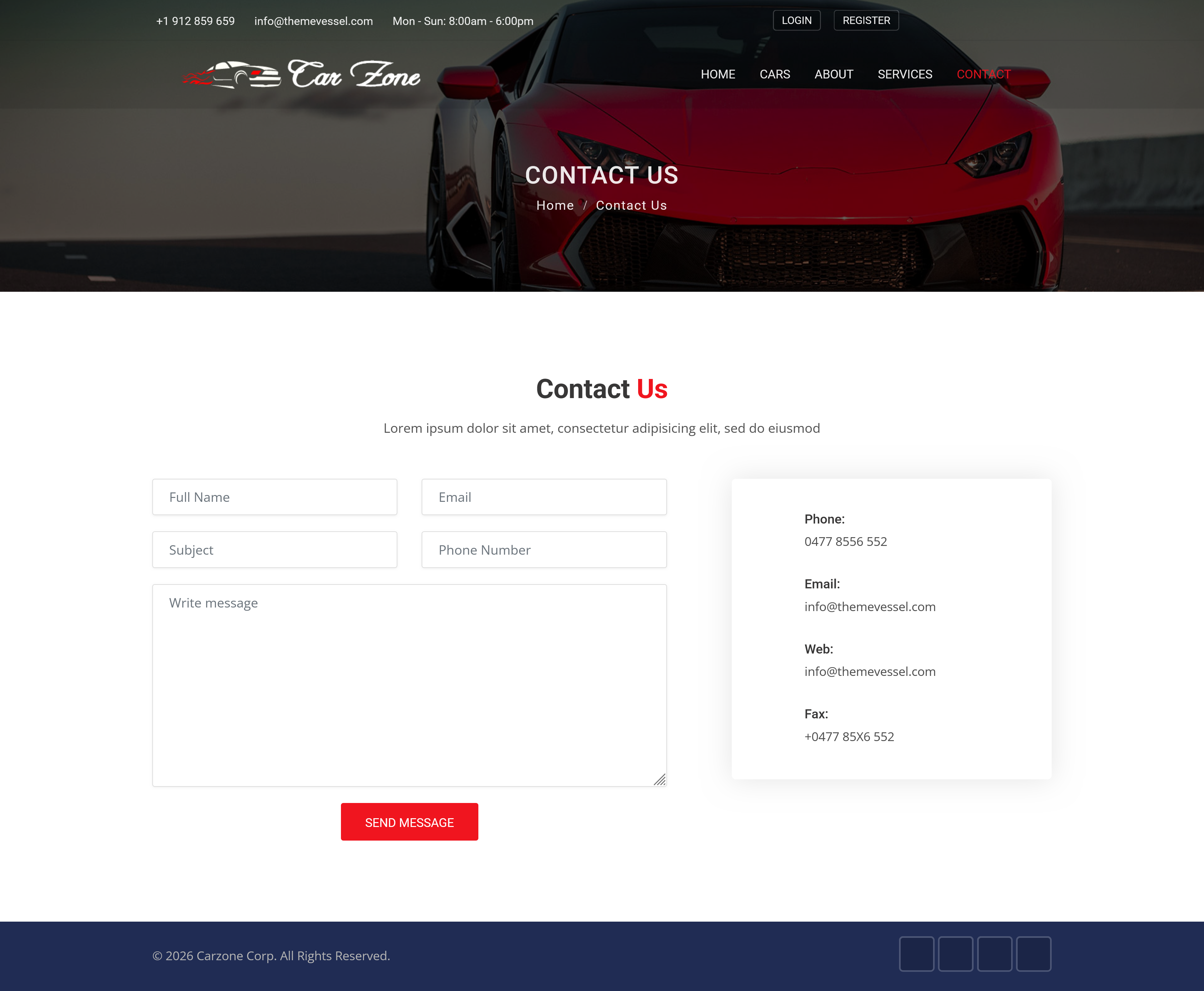
Contact Page
Contact
Contact form & dealership info
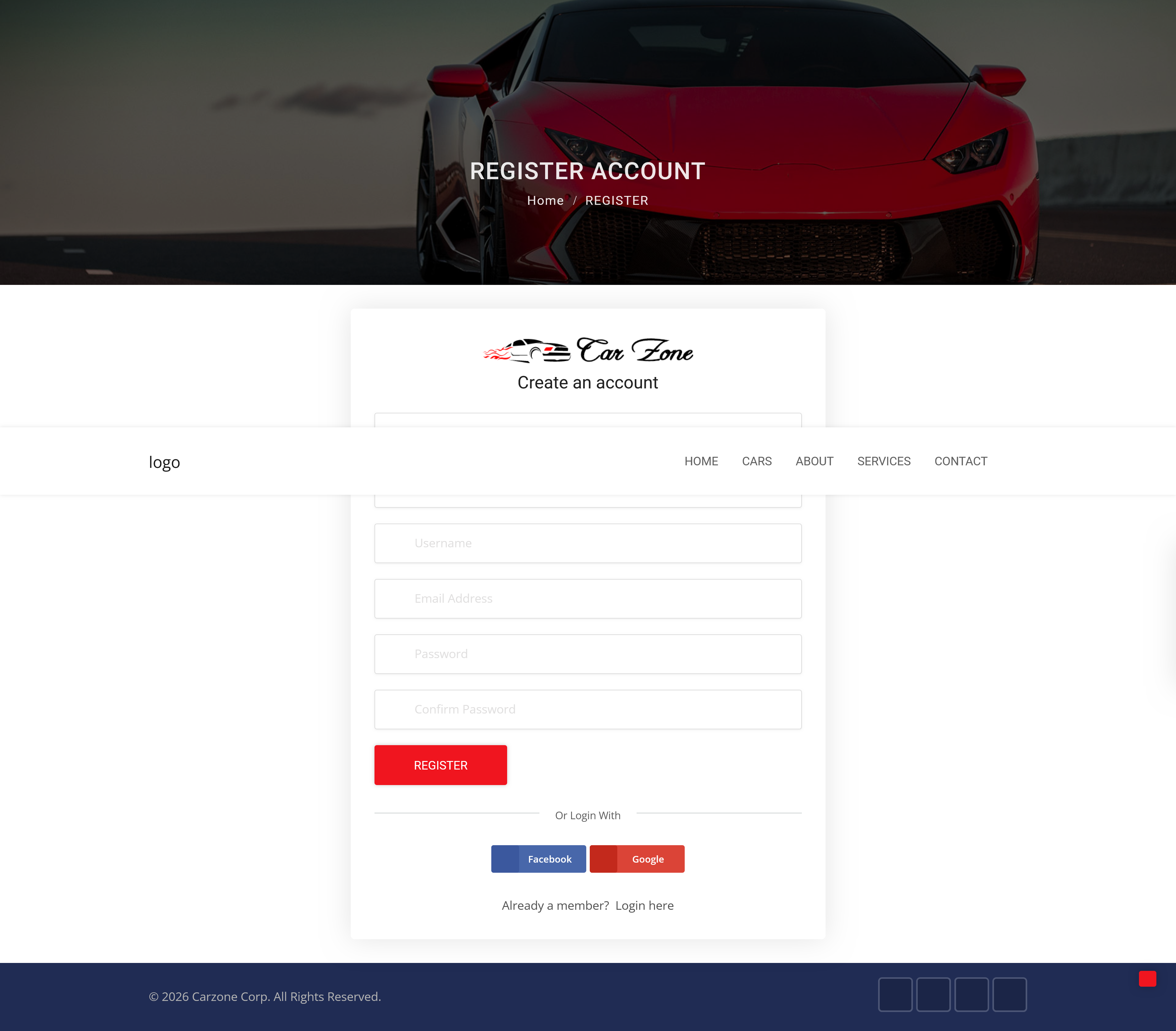
Register Page
Register
User authentication & account creation
Built With

TECH STACK

๐Ÿ
Python 3.14
Core language
๐ŸŽธ
Django
Web framework
๐Ÿ—„๏ธ
SQLite / PostgreSQL
Database
๐ŸŽจ
Bootstrap 4
Frontend framework
โœ๏ธ
CKEditor
Rich text editing
๐Ÿ–ผ๏ธ
Pillow
Image processing
What It Does

FEATURES

01
Advanced Search

Filter by model, city, year, body style, transmission and price range.

02
Multi-Image Gallery

Each listing supports multiple images with a slider gallery on detail page.

03
Inquiry System

Registered users can send one inquiry per car, visible in dashboard.

04
User Auth

Full register, login, logout and personal dashboard for managing inquiries.

05
Featured Cars

Mark cars as featured from admin. Appear prominently on homepage.

06
Admin Panel

Full Django admin with inline image management and bulk actions.

07
Team Showcase

Manage team members from admin, displayed on About page.

08
Contact Form

Visitors can send messages tracked in admin panel.

Get Started

INSTALLATION

# Clone the repository
$git clone https://github.com/alisamadzadeh46/car.git && cd car
# Create virtual environment
$py -m venv .venv && .venv\Scripts\Activate
# Install dependencies
$pip install -r requirements.txt
# Run migrations & create superuser
$python manage.py migrate && python manage.py createsuperuser
# Start the server
$python manage.py runserver
View on GitHub โ†’